Heat transfer vinyl works in three main steps. First, cut your mirrored design from the vinyl using a cutting machine, with the dull side facing up on the mat. Second, weed away the excess vinyl so only your design stays on the carrier sheet. Third, press the design onto pre-washed fabric at the recommended temperature using a heat press or iron, peel the carrier sheet, and you are done. The whole process takes 20 to 40 minutes once you have done it a couple of times.
Heat transfer vinyl is one of the most beginner-friendly ways to customize clothing and fabric items. Whether you want to put a name on a sports jersey, add a quote to a hoodie, or create a batch of matching team shirts, HTV gives you clean, durable results without any printing equipment.
This guide covers everything you need to know to get started, including the tools, the full step-by-step process, heat press and iron techniques, how to layer multiple colors, washing care, common problems and how to fix them, and the types of HTV available at TeckWrap Craft.
Heat transfer vinyl, also called HTV or iron-on vinyl, is a thin, flexible material that bonds to fabric using heat and pressure. It has a heat-activated adhesive on the back that melts into the fabric fibers and forms a strong, lasting bond. Unlike regular adhesive vinyl, which is pressed onto hard surfaces like glass or metal, HTV is made specifically for fabric.
HTV comes in a wide range of colors, finishes, and textures. You can choose from standard PU vinyl for everyday projects, glitter for a sparkle effect, metallic for a foil-like shine, and specialty types like glow in the dark and reflective. Each type has its own press settings, but the cutting, weeding, and application process is the same across all of them.
A pressed HTV design sits on top of the fabric and is semi-permanent. With proper care, a quality design lasts 50 to 100 washes before it starts to show any wear.
Tools You Need to Get Started With HTV
You do not need a lot of equipment to get good results. Here is everything required for a standard HTV project.
Cutting machine such as a Cricut Explore Air 2, Cricut Maker, or Silhouette Cameo for precise automated cuts. Scissors work for very simple shapes but are not practical for most designs.
Cutting mat to hold the vinyl flat while the machine cuts. Use a standard grip mat with a grid for easier placement and sizing.
Heat press or household iron to transfer the design. A heat press gives more consistent heat and pressure. A dry iron works well for smaller projects if you use the right technique.
Parchment paper or a Teflon sheet to place over the design during pressing. This protects the vinyl from direct heat and distributes pressure evenly across the design.
Garment or fabric that is compatible with heat. Cotton, polyester, and cotton-polyester blends are the most common choices.
Beginners: Start Here
If you are new to HTV, start with a single-color design on a plain cotton shirt. Single-layer designs are much easier to cut, weed, and press than multi-color layered ones. Once you are comfortable with the process, move on to more complex projects.
Step by Step Process for Using Heat Transfer Vinyl
Follow these steps in order. The most common beginner mistakes happen when steps are skipped, especially the fabric prep and the mirror step.
Full HTV Process: Fabric Prep to Final Press
Total Time20 to 40 minutes
DifficultyBeginner friendly
Best ForCotton, polyester, and blends
1
Prepare the fabric. Wash and dry the garment before you do anything else. This is especially important for 100% cotton, which shrinks after the first wash and can distort a design that was applied before washing. Do not use bleach or fabric softener during this pre-wash. Both leave a coating on the fibers that can prevent the HTV adhesive from bonding properly. Once dry, press the garment to remove all wrinkles and any remaining moisture.
2
Design your cut file. Open your design in the software that comes with your cutting machine. Cricut uses Design Space and Silhouette uses Silhouette Studio. If you prefer more design flexibility, you can also work in Canva, Adobe Illustrator, Inkscape, or Procreate and import the file. Once you have the design ready, set the correct dimensions to match the area on your garment. If you are using text, double-check every word before cutting. There is no editing once the vinyl is cut. Before you send the design to the machine, flip it horizontally. This mirror step is critical because you are cutting from the back of the vinyl, and the design will press on in the correct direction only if it is reversed first.
3
Load the vinyl onto the cutting mat. Cut a piece of HTV that is a little larger than your design on all sides. Place it on the cutting mat with the dull, matte side facing up. That is the adhesive side, and it is the side the blade will cut into. The shiny carrier sheet faces down against the mat. Smooth it flat and load the mat into the machine. Make sure your cut settings match the HTV type you are using. TeckWrap Craft provides settings guidance with each product. Too much blade force will cut through the carrier sheet, and too little will not cut the vinyl cleanly.
4
Run a test cut. Before cutting the full design, cut a small square or triangle from a corner of the vinyl. Peel back the test piece and check that the blade cut through the vinyl but not the carrier sheet underneath. If the cut is too shallow, increase the blade pressure by a few units. If it cut through the backing, reduce it. A test cut takes about a minute and saves a lot of vinyl over time.
5
Cut and weed the design. Send the full design to the machine and let it cut. When it is done, unload the mat. Start by peeling away the large sections of excess vinyl around the outside of the design by hand. Then switch to a weeding tool to remove the smaller pieces inside the design. Work carefully around fine details and the inner parts of letters. Keeping a printed reference copy of the design nearby helps you see which pieces to remove. When weeding is done, only your design should remain on the carrier sheet.
6
Press the design onto the fabric. Place the garment on your heat press or on a firm, flat surface if using an iron. Do a quick pre-press for 3 to 5 seconds to warm the fabric and remove any last traces of moisture. Position your weeded design on the fabric exactly where you want it, with the shiny carrier sheet facing up. Double-check the placement because it cannot be adjusted once heat is applied. Cover the design with a parchment paper or Teflon sheet and apply the recommended heat and pressure for your specific HTV. For TeckWrap Craft PU Heat Transfer Vinyl, press at 266 to 284 degrees F for 8 to 12 seconds. See the temperature guide below for more fabrics and HTV types.
7
Peel the carrier sheet. Remove the heat source and let the design cool for a few seconds. Peel the carrier sheet back slowly at a low angle, keeping it close to the surface. If any part of the design starts to lift with the carrier sheet, lay it back down immediately, cover it again, and press for a few more seconds before trying again. Different HTV types peel warm or cold, so check the product instructions.
Helpful Tip: After peeling the carrier sheet, cover the finished design with parchment paper and press once more for a few seconds. This final press smooths the surface, improves adhesion at the edges, and gives the design a cleaner finish.
Applying HTV With a Household Iron
A heat press is the preferred tool because it delivers consistent heat and even pressure across the whole design at once. A household iron works well for smaller projects if you use good technique. Here is how to get the best result from a dry iron.
Pressing HTV With a Household Iron
Iron SettingCotton, steam off
Press Time10 to 20 seconds per section
SurfaceHard, flat surface only
1
Place the garment on a hard, flat surface such as a table or a wooden board. Do not use a standard ironing board because it is padded and springy, which reduces the pressure you can apply. The surface needs to be firm to get a solid press.
2
Set the iron to the cotton setting and make sure the steam function is completely off. Steam introduces moisture, which is the last thing you want when pressing vinyl. A dry iron only.
3
Position the design on the garment and cover it with parchment paper. Press the iron straight down onto the design, applying firm pressure. Hold it for 10 to 20 seconds without sliding it. Sliding shifts the design and creates uneven adhesion.
4
If your iron has holes in the sole plate, lift it and reposition it slightly so that the full design receives heat. Work in small overlapping sections until every part of the design has been pressed directly.
5
Lift the edge of the carrier sheet slightly to check adhesion. If the vinyl comes up with it, lay the sheet back down and press again for another 10 seconds. Repeat until the design stays put when you lift the carrier sheet.
Helpful Tip: The iron method works best for simple, single-color designs on small areas. For large designs, multi-color layering, or anything that needs to last through heavy washing, a heat press gives far more reliable results.
Heat Press Temperature Guide by Fabric & HTV Type
Getting the temperature right matters more than most beginners realize. Too low and the adhesive will not melt fully into the fabric. Too high and you can scorch the fabric or flatten specialty finishes like glitter. Use this as a starting point and always check the instructions that come with your specific vinyl.
HTV Type
Temperature
Press Time
Notes
PU Heat Transfer Vinyl (standard)
266 to 284 F (130 to 140 C)
8 to 12 seconds
Works on cotton, polyester, and blends
Glitter HTV
280 to 300 F (138 to 149 C)
10 to 15 seconds
Always the top layer. Do not press other layers on top of glitter.
Metallic HTV
275 to 295 F (135 to 146 C)
10 to 15 seconds
Top layer only. Use light pressure to preserve the finish.
Flock HTV
280 to 300 F (138 to 149 C)
10 to 15 seconds
Warm peel. The raised texture requires firm pressure.
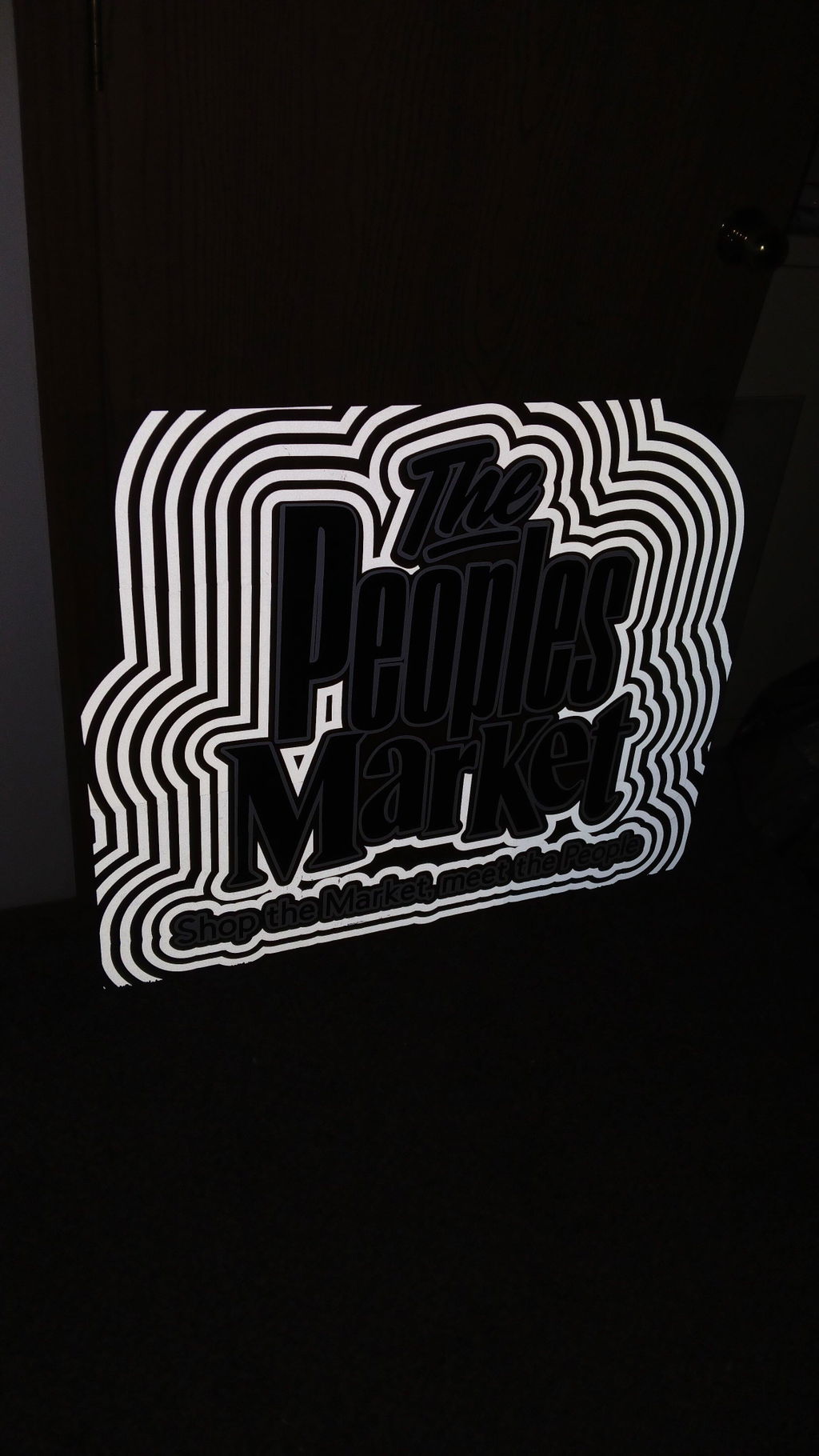
Reflective HTV
275 to 300 F (135 to 150 C)
12 to 15 seconds
Avoid excessive heat which can dull the reflective surface.
Fabric Type
Heat Press Setting
Notes
100% Cotton
Medium-high heat, firm pressure
Most reliable fabric for HTV. Handles high heat well.
Polyester
Lower heat, medium pressure
Keep temperature lower to prevent scorching or melting the fibers.
Cotton-Poly blend
Medium heat, medium-firm pressure
Split the difference between pure cotton and polyester settings.
Waterproof or nylon
Not recommended for most HTV
High heat can melt or damage these fabrics. Test on a scrap first.
General Temperature Range
Most HTV presses between 260 and 315 degrees F (127 to 157 degrees C). The exact setting depends on the specific vinyl type, the fabric, and your machine. Always check the manufacturer's instructions for your product since temperatures can vary between brands and finishes.
How to Layer Heat Transfer Vinyl
Layering lets you create multi-color designs without printing. You can stack up to four layers of HTV on most fabrics. A few rules make the difference between a clean layered result and a bubbled, peeling mess.
Press each layer separately. Do not stack all your colors and try to press them at once. Apply the bottom layer, let it cool, then add the next one on top.
Start with the bottom color. The layer that sits directly on the fabric goes on first. Work from the base upward.
Reduce press time for subsequent layers. The first layer gets the full press time. Each layer after that only needs about half the time, since the vinyl underneath has already bonded and you do not want to over-press it.
Specialty finishes go on top. Glitter, metallic, flock, and reflective HTV should always be the final layer. These finishes cannot have other HTV pressed on top of them without damaging the surface.
Use a Teflon sheet every time. When pressing subsequent layers, the Teflon sheet protects the already-pressed vinyl underneath from being damaged by the direct heat.
Max four layers. Beyond four layers, the design becomes too thick and the bottom layers may not stay bonded to the fabric through washing.
Common Problems When Using HTV & How to Fix Them
Most issues with heat transfer vinyl trace back to one of five causes. Find your problem in the table below.
The Problem
Why It Happens
How to Fix It
HTV not sticking to the fabric
Not enough heat, pressure, or time. Fabric had moisture or softener residue in it.
Pre-press the garment first. Re-press at correct temperature with firm pressure for the full time.
HTV wrinkling or bubbling
Uneven heat distribution or the design shifted during pressing.
Apply consistent pressure across the whole design. Use a Teflon sheet. Re-press with moderate heat to flatten.
HTV peeling at the edges after washing
Washed too soon or using fabric softener in the wash.
Wait 24 to 48 hours before first wash. Never use fabric softener. Wash inside out in cold water.
Vinyl not cutting cleanly
Wrong blade pressure setting, old or blunt blade, or vinyl loaded the wrong way.
Run a test cut and adjust pressure. Replace the blade if it is old. Confirm the dull side is facing up.
HTV melting or leaving scorch marks
Temperature too high or pressing directly on the vinyl without a protective sheet.
Lower the temperature. Always use parchment paper or a Teflon sheet. Never press a hot iron directly onto HTV.
Design placed crooked or in the wrong position
Fabric or design was not measured and marked before pressing.
Measure the center of the garment and mark it with a chalk pencil. Use a ruler to check alignment before pressing.
Care Instructions After Pressing HTV
Good pressing gets the design on. Good care keeps it there. Follow these instructions to get the most out of every HTV project.
Washing
Do not wash or wear the garment for at least 24 to 48 hours after pressing. The adhesive needs time to fully cure and set.
Turn the garment inside out before putting it in the wash. This protects the design from friction during the cycle.
Hand wash in cold or warm water where possible. If machine washing, use a gentle cycle.
Do not rub the garment against itself where the HTV design is sitting.
Avoid harsh detergents, bleach, and fabric softener. All three degrade the adhesive bond over time.
Do not wash with items that have zippers, hooks, or abrasive surfaces that could scratch the design.
Do not dry clean garments with HTV designs.
Drying & Ironing
Do not tumble dry on a high heat setting. The heat can cause the vinyl to peel or crack.
Air dry on a clothesline whenever possible. Hang the garment out of direct sunlight.
If you need to iron the garment after washing, turn it inside out and iron the reverse side.
If you need to iron over the design, cover it with parchment paper and use a low setting.
Always iron with the steam setting turned off around HTV designs.
What Can You Make With Heat Transfer Vinyl?
HTV works on any compatible fabric surface, which makes it useful for a wide range of personal and business projects. Here are the most popular uses.
Custom shirts and hoodies: Personalized names, graphics, quotes, and logos on cotton and poly-blend garments.
Sports jerseys and team uniforms: Player names, numbers, team logos, and sponsor marks applied with precision and durability.
Promotional products: Caps, bags, jackets, and shirts for events, giveaways, and branded merchandise.
Personalized gifts: Custom tote bags, pillowcases, aprons, towels, and fabric wall hangings with names, initials, and dates.
Home decor: Pillows, blankets, tablecloths, and fabric items with matching custom designs.
Fashion and accessories: Unique designs and accents on clothing, headbands, shoes, and bags.
Kids clothing: Safe, non-toxic, and fun for customizing children's shirts, onesies, and backpacks.
Types of Heat Transfer Vinyl at TeckWrap Craft
TeckWrap Craft carries a full range of HTV finishes. Each type has its own look and works best in specific situations. Here is a quick overview to help you choose the right one for your project.
HTV Type
Best For
Shop
PU Heat Transfer Vinyl
Everyday garment decoration. Clean, flexible, great for text and solid designs on cotton and poly blends.
Yes. Press the shirt inside out so the iron does not touch the HTV design directly. If you do need to iron over the design, cover it with parchment paper and use a low heat setting without steam. Avoid leaving a hot iron sitting directly on the vinyl for an extended time.
A quality HTV design that has been correctly pressed and properly cared for will last 50 to 100 washes before it starts to show any significant wear. Following the care instructions above, particularly washing inside out in cold water without fabric softener, extends the lifespan considerably.
The temperature is set too high, or you are pressing directly onto the vinyl without a protective sheet. Lower the heat setting and always place a Teflon sheet or parchment paper between the iron or heat press and the vinyl before pressing. Different HTV types and fabrics have different maximum temperatures, so check the product instructions.
Yes. You can layer up to four colors of HTV to create multi-color designs. Press each layer one at a time, starting from the bottom and working upward. Reduce the press time for each layer after the first. Specialty finishes like glitter and metallic must always be the top layer and cannot have other vinyl pressed on top of them.
Most HTV presses between 260 and 315 degrees F (127 to 157 degrees C). The exact setting depends on the specific vinyl type and the fabric. TeckWrap Craft PU vinyl presses at 266 to 284 degrees F for 8 to 12 seconds. Always check the instructions for your specific product.
The most common causes are not enough heat, not enough pressure, pressing time too short, or moisture still in the fabric. Pre-press the garment for 3 to 5 seconds to drive out moisture before you place the design. Then press at the correct temperature and pressure for the full recommended time. Make sure the fabric was not washed with fabric softener before pressing.
The dull, matte side faces up on the cutting mat. That is the adhesive side and it is the side the blade cuts into. The shiny carrier sheet faces down against the mat. This is the opposite of how it will sit when you transfer the design to fabric.
Yes, always. You are cutting from the back of the vinyl, and when you flip it onto the fabric during pressing, the design reverses. If you forget to mirror it first, any text or asymmetric shapes will come out backwards. Design Space and Silhouette Studio both have a mirror or flip button in the tool settings.
Start Your First HTV Project
Heat transfer vinyl is one of those crafting materials that gets easier and more rewarding with every project. Once you have done the process a few times, it becomes second nature. The key things to remember are to mirror the design, pre-press the fabric, press at the right temperature, and follow the washing instructions.
TeckWrap Craft carries a full range of heat transfer vinyl in every color, finish, and texture you need, from everyday PU vinyl for beginners to specialty glitter, metallic, and reflective finishes for more advanced projects.
Ready to start your first HTV project? Shop the full TeckWrap Craft heat transfer vinyl collection.
These are the exact same texture and sheets that I am able to buy at Walmart. The green shirt is using your product, step by step instructions and the black is the product that I ordered from Walmart at 1/2 the price
I bought this big roll awhile back and never had to worry about strategically cutting my designs to fit into a short roll. I had all the vinyl in the world and I knew that I could easily take on big projects because my mega roll of 001M was always there. The peace of mind was definitely worth the purchase.