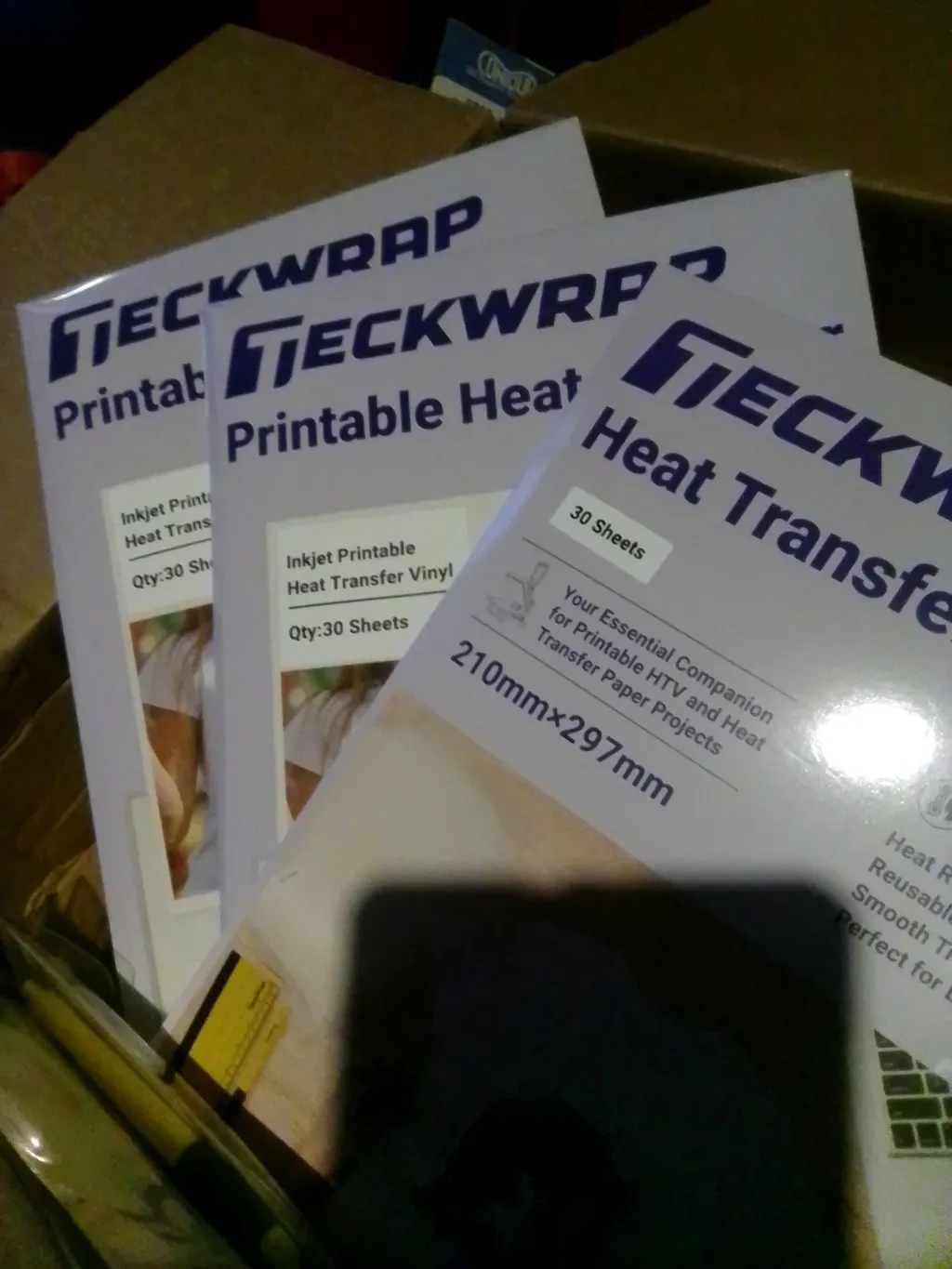
Yes. You can put HTV on polyester. Because polyester is heat-sensitive, use a lower temperature than cotton: 270 to 305°F (132 to 152°C), medium pressure, and 10 to 12 seconds press time. Always use a Teflon sheet or parchment paper over the design to prevent scorching. Warm peel the carrier sheet. Pre-press the garment for 5 seconds to remove moisture before laying the design. For poly-spandex blends, use a stretchable HTV such as TeckWrap Craft PU HTV.
Heat Transfer Vinyl bonds to polyester when pressed at the correct temperature. Polyester is more heat-sensitive than cotton, which means the margin for error is smaller. The right settings prevent scorch marks, keep the fabric intact, and give the design a lasting bond. This guide covers the correct temperature and time settings, a step-by-step pressing process, what to do if dye migration is a concern, how to troubleshoot the most common issues, and care instructions for polyester garments with HTV.
Use these settings as starting points. Always test on a scrap piece of fabric before pressing the full garment. Polyester varies by weight, weave, and blend ratio, which can affect how it responds to heat.
Fabric Type
Temperature
Time
Pressure
Peel
100% Polyester
270 to 290°F (132 to 143°C)
10 to 12 sec
Medium
Warm
Polyester sportswear / activewear
290 to 305°F (143 to 152°C)
10 to 12 sec
Medium
Warm
Poly-cotton blend (50/50)
295 to 310°F (146 to 154°C)
10 to 15 sec
Medium-firm
Warm or cold
Poly-spandex / Spandex blend
265 to 280°F (129 to 138°C)
8 to 10 sec
Light-medium
Warm
Sublimated polyester(dye migration risk)
270 to 290°F
10 to 12 sec
Medium
Warm
For all polyester fabrics: always place a Teflon sheet or parchment paper completely over the garment and the vinyl design before pressing. This protects the polyester fibers from direct contact with the heat press plate. Scorch marks appear as a yellowish or brownish shiny outline at the edges of the design and are permanent.
What Is the Best HTV for Polyester?
TeckWrap Craft PU (polyurethane) HTV is the recommended choice for polyester. PU HTV is thin, soft, and flexible, which means it stretches with the fabric rather than cracking. For activewear and athletic garments made of poly-spandex blends, a stretchable or Sport-Flex type HTV is the better option because these fabrics move and stretch significantly during use. Standard HTV applied to a highly stretchy fabric will crack and peel over time.
For regular polyester shirts and uniforms, standard PU HTV works well. For performance wear, gym clothes, and yoga pants made of poly-spandex, choose TeckWrap Craft PU HTV for synthetic or stretchy fabrics. It is designed to flex with the fabric and hold through repeated stretching and washing.
Dye Migration: What It Is and How to Prevent It
Important: Dye Migration on Sublimated Polyester
When you press HTV onto a sublimated polyester shirt (a shirt where the colour was printed using sublimation dye), the heat from the press can cause the sublimation dye in the fabric to migrate into the HTV. The result is that the HTV changes colour or shows discolouration from the fabric dye beneath it. This is dye migration.
How to check if your polyester shirt is sublimated
Look at the inside of the fabric. If the colour goes all the way through the fabric to the other side, the shirt was likely not sublimated and dye migration risk is lower. If the inside of the fabric is white or a much lighter shade than the outside, the colour was likely applied using sublimation dye and migration is a risk.
How to prevent dye migration
Lower the pressing temperature as much as possible while still activating the HTV adhesive. Some HTV types are specifically formulated to block dye migration. These are called sublimation-blocking or dye-blocking HTV. If you regularly press HTV onto sublimated polyester, use a dye-blocking HTV variety.
Use a warm peel method after pressing sublimated polyester. Peeling while the design is still warm (rather than cold) reduces the time the dye is exposed to elevated temperatures, which reduces the chance of migration occurring.
How to Press HTV onto a Polyester Shirt: Step by Step
You will need: TeckWrap Craft PU HTV, a cutting machine, a heat press or household iron, a Teflon sheet or parchment paper, and a polyester shirt that is clean and dry.
1 Pre-press the Polyester Shirt
Place the polyester shirt flat on the heat press platen. Press for 5 seconds at the pressing temperature to remove moisture and any wrinkles. Polyester can retain moisture that interferes with HTV adhesion. Pre-pressing evaporates this moisture and gives the design a flat, dry surface to bond with.
Tip: Insert cardstock or a piece of folded paper between the front and back layers of the shirt before pre-pressing. This prevents heat from pressing through to the back of the garment.
2 Cut and Weed the HTV Design
Open the design in your cutting software. Mirror the image before cutting. Load the HTV into the cutting machine with the shiny carrier sheet facing down on the mat. Select the correct material setting for PU HTV. Run a test cut on a spare corner to confirm blade depth. Weed away all excess vinyl from around and inside the design using a weeder tool.
Tip: For polyester activewear with small or intricate designs, cut slightly inside the design boundary. Slightly undersized designs are less noticeable on stretchy fabric than designs where an edge has lifted.
3 Position the Design on the Shirt
Place the weeded HTV design face-down on the polyester shirt in the correct position. The shiny carrier sheet faces up. The vinyl with the adhesive faces the fabric. Position carefully because repositioning after the design has been partially pressed is difficult.
Tip: For athletic shirts with moisture-wicking treatment, check the shirt label. Shirts marked "Do Not Iron" or "Heat Sensitive" require the lowest pressing temperature and a test press on a hidden area before the full design.
4 Cover and Press
Place a Teflon sheet or parchment paper completely over the design and the surrounding area of the shirt. Set the heat press to the correct temperature for your polyester type using the table above. Press at medium pressure for 10 to 12 seconds. Do not open the press mid-pressing to check. Keep the press closed for the full time.
Tip: Do not use firm or heavy pressure on polyester. Heavy pressure on a heat-sensitive synthetic fabric can flatten the weave and cause shiny press marks that are not removable. Medium pressure is sufficient for HTV adhesion on polyester.
5 Warm Peel the Carrier Sheet
Open the heat press. Remove the Teflon sheet. Let the garment cool for 5 to 10 seconds so it is warm but not hot. Peel the carrier sheet slowly at a low angle, keeping the carrier sheet close to the surface of the fabric. Pull the carrier sheet back against itself rather than straight up.
Tip: Warm peeling (not hot and not cold) is the correct peel method for polyester. Peeling while still very hot can stretch the polyester fabric. Waiting until completely cold can cause the carrier sheet to re-adhere to the vinyl and lift the design during peeling.
6 Back-press the Design
Once the carrier sheet is removed, place the Teflon sheet or a clean pressing cloth over the design. Press for 5 to 10 seconds from the front to seal the vinyl edges and improve adhesion. Then flip the garment inside out and press from the back for 10 seconds. This back-press step significantly improves the long-term durability of HTV on polyester.
Tip: If the design has not fully adhered after the initial press, press again for 5 seconds with the Teflon sheet. If the design still does not adhere, the fabric may have a moisture-wicking or water-repellent coating that prevents adhesion.
Troubleshooting: Common HTV Problems on Polyester
HTV not sticking to polyester
The most common causes: moisture in the fabric before pressing (fix: pre-press for 5 seconds), temperature too low to activate the adhesive (fix: increase by 5°F and re-press), moisture-wicking or water-repellent coating on the fabric surface (fix: test on a different garment), or too-short press time (fix: extend by 3 to 5 seconds and re-press).
Scorch marks on polyester after pressing
Scorch marks appear as yellowish or brownish shiny areas on the fabric at the edges of the design. They are caused by polyester fibers melting under direct heat. To prevent: always use a Teflon sheet or parchment paper over the entire contact area, reduce temperature by 10 to 15°F, and avoid pressing on areas where the heat plate directly contacts exposed polyester. Scorch marks on polyester are permanent and cannot be removed.
Dye migration visible under the HTV
If the HTV changes colour or shows discolouration from beneath, dye migration has occurred. Prevention: use the lowest possible pressing temperature, use a dye-blocking or sublimation-blocking HTV type, and use warm peel to minimise heat exposure time. Once dye migration has occurred, the design must be removed and replaced using a dye-blocking HTV type.
Carrier sheet not releasing cleanly from the HTV
If the carrier sheet re-adheres to the vinyl during peeling, the design has cooled too much. Warm the design again for 3 to 5 seconds with the Teflon sheet in place, then immediately peel the carrier sheet while the design is still warm. Peel slowly at a low angle close to the fabric surface.
How to Wash and Care for Polyester Garments with HTV
Correct washing is important for HTV durability on any fabric, but especially on polyester where the lower pressing temperature can produce a slightly lighter bond than on cotton.
Wait 24 hours before the first wash. The adhesive continues to cure after pressing. Washing too soon weakens the bond.
Wash inside out in cold water. Protects the vinyl from friction against other garments and the drum.
Use the gentle or delicate cycle. Reduces mechanical stress on the design.
Use a mild detergent. Avoid bleach, fabric softeners, and detergents with bleach. These break down the adhesive.
Air dry or use low dryer heat. High dryer heat on polyester can soften the HTV adhesive and cause edges to lift. Low heat or air drying is safer.
Do not iron directly on the HTV design. Turn the garment inside out or place a cloth over the design area if ironing is needed.
HTV on Polyester vs Cotton: Which Is Easier?
Cotton: Easier for HTV
Handles higher heat (305 to 320°F). Gives a stronger adhesive bond. More forgiving with pressing time and pressure. Pre-wash cotton before pressing to prevent post-press shrinkage.
Polyester: Requires More Care
Use lower heat (270 to 305°F). Shorter press time. Medium pressure only. Always use a Teflon sheet. Pre-press to remove moisture. Warm peel required.
For activewear and sportswear, polyester is the correct fabric choice. For decorative signs, tote bags, and everyday wear, cotton gives better HTV results with less risk of scorching.
Frequently Asked Questions
Yes. HTV bonds to polyester when pressed at the correct temperature. Use 270 to 305 degrees F (132 to 152 degrees C), medium pressure, 10 to 12 seconds press time, and a Teflon sheet or parchment paper over the design. Warm peel the carrier sheet after pressing. Pre-press the garment for 5 seconds before applying the design.
For 100% polyester, press at 270 to 290 degrees F (132 to 143 degrees C) for 10 to 12 seconds with medium pressure. For polyester sportswear, use 290 to 305 degrees F. For poly-spandex blends, use 265 to 280 degrees F for 8 to 10 seconds with light-medium pressure. Always use a Teflon sheet to prevent scorching.
TeckWrap Craft PU HTV is the recommended choice for polyester. It is thin, soft, and flexible, which allows it to move with the fabric. For poly-spandex activewear that stretches significantly during use, choose a stretchable or Sport-Flex HTV to prevent cracking and peeling over time.
Yes. HTV sticks to 100% polyester when applied at the correct temperature and time. The bond is slightly lighter than on cotton because lower temperatures are needed to protect the polyester fibers. Pre-pressing to remove moisture, using a Teflon sheet, and back-pressing after peeling all improve adhesion on 100% polyester.
Place a Teflon sheet or parchment paper completely over the garment and the design before pressing. Use the lowest effective temperature for your specific polyester type. Apply medium pressure only. Never let the heat press plate contact polyester directly without a protective sheet. Scorch marks on polyester are permanent and cannot be removed.
Yes, but use a stretchable HTV type such as TeckWrap Craft PU HTV for synthetic fabrics. Press at 265 to 280 degrees F for 8 to 10 seconds with light-medium pressure. Use a Teflon sheet. Standard non-stretch HTV will crack and peel on poly-spandex fabrics over time because the design cannot flex with the fabric.
Wait 24 hours after pressing before the first wash. Turn the garment inside out and wash in cold water on the gentle cycle with a mild detergent. Do not use bleach. Air dry or use low dryer heat. Do not iron directly on the HTV design. High dryer heat on polyester can soften the HTV adhesive and cause the edges to lift.
Dye migration occurs when the sublimation dye in a polyester shirt bleeds into the HTV during pressing. It appears as colour discolouration in the vinyl. It affects shirts where the colour was applied using sublimation dye. To prevent it: press at the lowest effective temperature, use a dye-blocking HTV type, and use warm peel to reduce heat exposure time.
Wrapping Up
HTV on polyester works well when you use the right settings. Lower temperature than cotton, medium pressure, 10 to 12 seconds, a Teflon sheet over the design, and warm peel. Pre-press to remove moisture. Back-press after peeling. Wait 24 hours before the first wash.
TeckWrap Craft PU HTV is the recommended choice for polyester. For poly-spandex activewear, choose a stretchable HTV type. For sublimated polyester, use a dye-blocking HTV and the lowest effective pressing temperature.
Shop TeckWrap Craft PU HTV for polyester garments and activewear.