Reflective HTV works just like regular heat transfer vinyl. Mirror your design, cut it with the matte side up, weed the excess vinyl, then press it onto pre-ironed fabric at 275 to 300 degrees F for 12 to 15 seconds with a Teflon sheet on top. Let it cool before peeling the carrier sheet. That covers the full process in one step.
Reflective heat transfer vinyl is one of the more satisfying materials to work with because the payoff is immediate. Under normal light the design looks clean and subtle. Point a camera flash or a pair of headlights at it and the whole thing lights up. It is that reflective quality that makes it useful for safety gear, kids clothing, running apparel, and fashion pieces that need a bit of standout detail at night.
You can use reflective HTV on cotton, polyester, and cotton blend fabrics by applying the right combination of heat, pressure, and time. This guide covers what the material is, every step of the application process, the cut settings for Cricut and Silhouette, how to care for finished garments, and the best project ideas to try with it.
Reflective HTV is a specialized vinyl film with a reflective quality that makes designs highly visible when light hits them. The material has several layers: a heat-activated adhesive at the base, a layer of millions of tiny glass beads that send light back toward its source, and a PET protective carrier sheet on top that peels off after pressing.
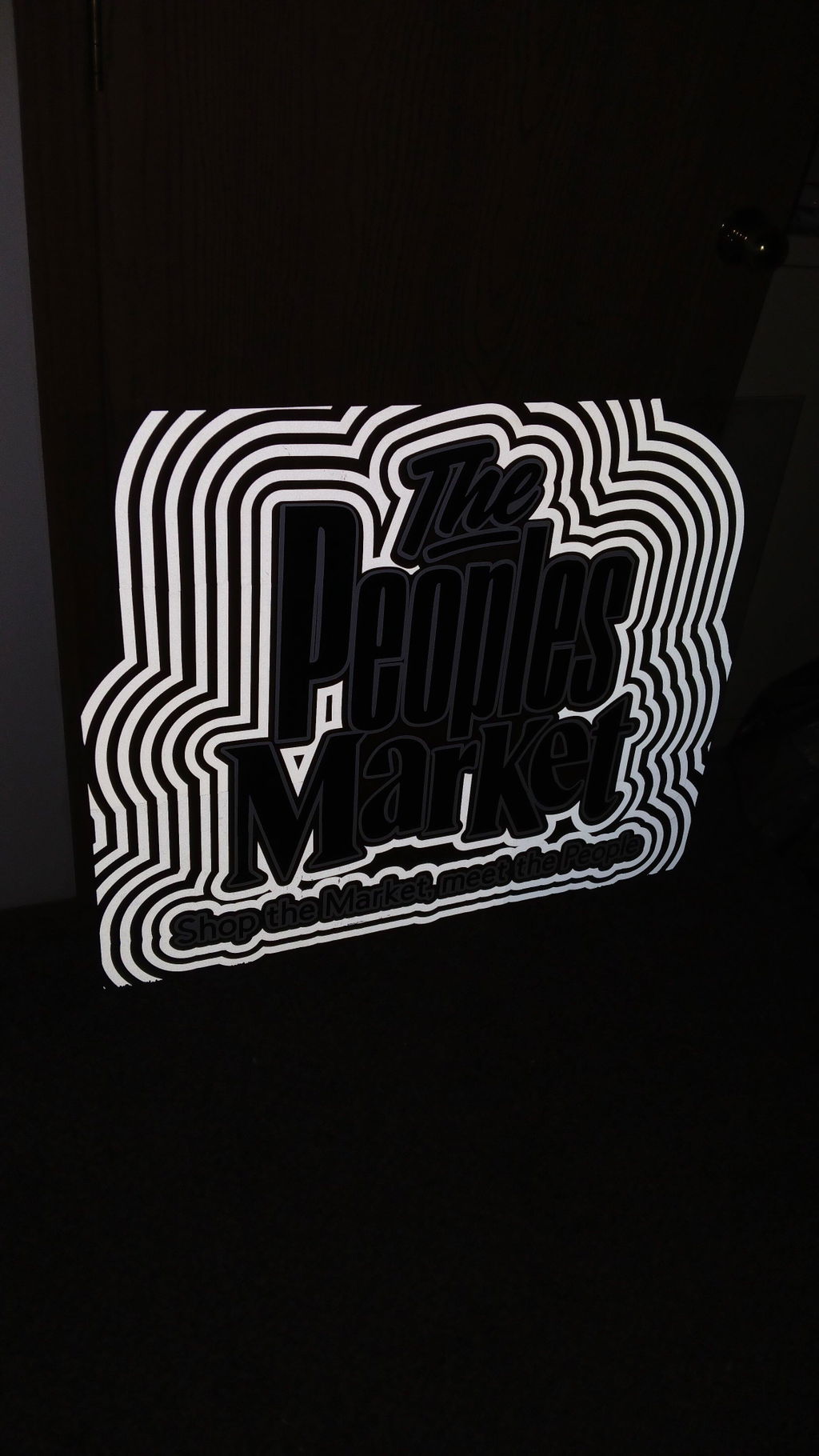
In plain daylight, a design pressed with reflective HTV looks like a standard printed logo or decoration. At night, under a flashlight, camera flash, or headlights, those glass beads bounce the light straight back, making the design glow with high visibility. That is what makes it different from any other type of HTV on the market.
Reflective HTV works on cotton, polyester, and most cotton blend fabrics. It can also be used on other heat-safe surfaces such as certain types of wood and metal, though fabric is the most common application. Like standard HTV, it bonds to the surface through a combination of heat and pressure, which melts the adhesive layer and locks the design into the fabric fibers.
Supplies You Need When Using Reflective HTV
Getting the right tools together before you start makes the whole process faster and reduces the chance of mistakes. Here is what you need for a standard reflective HTV project on a T-shirt:
Plain cotton T-shirt or another compatible fabric such as a polyester blend hoodie or canvas bag
Heat press machine (recommended for consistent pressure) or a dry household iron set to cotton
Cutting machine such as a Cricut Explore Air 2, Cricut Maker, or Silhouette Cameo
Standard grip cutting mat with a grid for easier placement
Weeding tool such as a weeder, tweezer, or weeding pen with an ergonomic grip
Teflon sheet or parchment paper to distribute heat evenly and protect both the vinyl and the fabric during pressing
Squeegee for burnishing the vinyl flat onto the cutting mat before loading
Heat Press vs Household Iron
A heat press gives you precise, even temperature and consistent pressure across the whole design, which is important for reflective HTV. A household iron works for smaller projects but requires more care since the heat distribution is less even. If you use an iron, move it in slow, overlapping passes and press firmly without using the steam setting.
Step by Step Process for Applying Reflective HTV
Follow these steps in order. Skipping any of them, especially the fabric prep and mirroring steps, is the most common cause of failed transfers.
Full Application: Fabric Prep to Final Press
Total Time30 to 45 minutes
DifficultyBeginner friendly
Best ForCotton, polyester, and blends
1
Prep the fabric. The garment needs to be clean and fully dry before anything touches it. Wash it without bleach or fabric softener, which both leave a residue that can stop the vinyl from bonding properly. Let it dry completely, then press it with an iron to remove any creases and drive out lingering moisture.
2
Finalize your design. Use any design software you prefer to create or open your artwork. Make sure the dimensions fit the garment well. Once the size is set, load the design into your cutting machine's software. Cricut uses Design Space and Silhouette uses Silhouette Studio. Before you send it to cut, flip the design horizontally. This mirroring step is essential because you are cutting from the back of the vinyl and the design will flip when it is transferred to the fabric.
3
Place the vinyl on the cutting mat. Cut a piece of reflective HTV that is slightly larger than your design on all sides. Place it onto the cutting mat with the matte, dull side facing up. That is the adhesive side. The shiny reflective surface should face down against the mat. Burnish it flat with a squeegee to remove any air pockets and creases, then load the mat into the machine.
4
Cut the design. Run a test cut on a small corner piece first to make sure your settings are right before committing to the full design. Adjust the blade depth or pressure if the cut is too shallow or too deep. See the cut settings table below for the exact numbers for each machine.
5
Weed the design. Use your weeding tool to remove all the excess vinyl that falls outside the design. Work carefully on any intricate parts such as the centers of letters or tight curves. A bright light source underneath or above the mat helps you see the cut lines clearly. Keep the design on the carrier sheet and do not rush this step.
6
Press the design onto the fabric. Place the shirt on your heat press and do a quick pre-press for 2 to 3 seconds to remove any remaining wrinkles and warm the fabric. Position the weeded design on the garment exactly where you want it, carrier sheet facing up. Cover it with a Teflon sheet or parchment paper. Set the heat press to 275 to 300 degrees F and press for 12 to 15 seconds with firm, even pressure. See the temperature guide below for fabric-specific settings.
7
Peel the carrier sheet. Let the design cool for a moment, then peel the carrier sheet back slowly at a low angle close to the surface of the fabric. If any part of the design lifts with the carrier sheet, lay it back down, put the parchment paper over it, and press again for a few more seconds before trying to peel again.
Helpful Tip: If the vinyl peels up with the carrier sheet, it usually means the adhesive did not fully melt into the fabric. Place the carrier sheet back down, cover with parchment paper, and press again. This fixes the problem in most cases.
Cut Settings for Cricut and Silhouette
Reflective HTV is slightly thicker than standard HTV because of its glass bead layer. These machine-specific settings work well as a starting point, but always run a test cut before committing to the full design.
Machine
Material Setting
Blade / Pressure
Notes
Silhouette Cameo
Vinyl
Blade 3, Speed 4, Pressure 15
Start here and adjust if cut is too shallow or too deep
Cricut Explore Air 2
Vinyl
Pressure 220
Use the fine point blade
Cricut Maker
Holographic Vinyl
Pressure 180 to 185
Fine point blade works well
Cricut Maker 3
Permanent Glossy
Pressure 120 to 130
Test cut on a scrap piece first
Test Cut First
Before cutting your actual design, cut a small square on a corner of the vinyl. Weed the test piece and check that the blade went through the vinyl cleanly without cutting into the carrier sheet. If the cut is too shallow, increase the pressure by 5 to 10 units. If it is cutting through the backing, reduce it by the same amount.
Heat Press Temperature & Fabric Guide
The right temperature depends on the fabric. Cotton can take higher heat, while polyester and blends need a lower setting to stop the fibers from melting or getting a shiny burn mark. Always check the care label on the garment before pressing.
Fabric Type
Temperature
Press Time
Notes
100% Cotton
295 to 300 F (146 to 150 C)
12 to 15 seconds
Most reliable fabric for reflective HTV
Polyester
275 to 285 F (135 to 140 C)
10 to 12 seconds
Lower heat to avoid scorching or melting the fibers
Cotton-Polyester Blend
280 to 295 F (138 to 146 C)
12 to 15 seconds
Split the difference between cotton and poly settings
Nylon or Spandex
270 to 280 F (132 to 138 C)
10 to 12 seconds
Always test on a scrap piece first
Waterproof, leather, rayon
Not recommended
N/A
High heat damages these fabrics. Do not press.
Important Warning
Too much heat can flatten the glass bead layer and reduce how well the design reflects light. If the pressed design looks dull rather than bright, the temperature was likely too high. Stay within the recommended range and always use a Teflon sheet to protect the surface.
Tips to Remember
These are the things that make the biggest difference between a clean, long-lasting result and one that peels or looks uneven.
Only use fabrics that are compatible with heat. Cotton, polyester, and blends are the safe choices.
Make sure the fabric is completely free of dirt, grease, and moisture before pressing. Even a small amount of residue can stop the vinyl from bonding.
Always mirror the design before sending it to the cutting machine. Forgetting this step means the design will press on in reverse.
Run a test cut before cutting the full design. It takes a minute and saves a lot of wasted vinyl.
A bright light, such as a Cricut BrightPad or a regular lamp under the mat, makes it much easier to see the cut lines during weeding.
Do a quick pre-press of the fabric for 2 to 3 seconds before laying down the design. This removes any leftover moisture and smooths out wrinkles so the vinyl sits flat.
For complex or layered designs, press each color or layer separately and let it cool before adding the next one.
Reflective HTV is less flexible than standard HTV, so bold shapes and clean lettering hold up better than very fine detail work.
Washing & Care Instructions
A properly pressed reflective HTV design is durable, but the way you wash it has a real effect on how long the reflection stays sharp. Follow these steps to get the most out of every design.
Wait at least 24 hours after pressing before the first wash. The adhesive continues to cure after the heat is removed.
Turn the garment inside out before putting it in the wash. This protects the surface of the design from friction and abrasion.
Wash in cold water on a gentle cycle. Hot water accelerates adhesive breakdown over time.
Use a mild detergent. Avoid bleach and fabric softener. Both can break down the adhesive layer and cloud the reflective surface.
Air dry when possible. Hanging the garment to dry preserves the reflective quality better than tumble drying. If you use a dryer, keep it on a low heat setting.
Do not dry clean garments with reflective HTV designs.
Do not iron directly over the design. If you need to press the garment after washing, turn it inside out and iron the reverse side.
Fixing Common Problems With Reflective HTV
Most issues with reflective HTV come down to one of these five causes. Find your problem and use the fix next to it.
The Problem
Why It Happens
How to Fix It
Design peels off
Not enough heat, pressure, or press time. Fabric may have had moisture in it.
Re-press at the correct temperature with a Teflon sheet for 5 to 10 more seconds.
Design looks dull, not reflective
Temperature was too high and flattened the glass bead layer.
Lower the temperature. Stay within 275 to 300 F. Check using a torch or camera flash.
Carrier sheet lifts the design
The adhesive did not bond fully to the fabric.
Lay the carrier sheet back down, cover with parchment paper, and press again.
Design did not cut cleanly
Cut settings were off, usually too shallow.
Increase blade pressure by 5 to 10 units and run another test cut.
Edges are lifting after washing
The garment was washed too soon or on too hot a cycle.
Wait 24 hours before the first wash and use cold water on a gentle setting.
Reflective Heat Transfer Vinyl Project Ideas
Reflective HTV works on a wide range of items beyond plain T-shirts. Here are the five most popular project categories to try.
Safety and Work Gear
Construction workers, road crews, and anyone working in low light conditions can use reflective HTV to add high visibility logos, names, or warning stripes to vests, jackets, and helmets. The material is designed specifically to reflect light, which is exactly what makes it useful here.
Running and Sports Apparel
Runners, cyclists, and outdoor athletes who train in the early morning or evening need to be visible. Adding reflective HTV designs or accents to running jackets, leggings, and caps keeps the look clean in daylight while adding real safety benefit at night.
Halloween Costumes
Using reflective HTV on a costume makes it stand out under flash photography and catches light during nighttime trick or treating. It is a simple way to add a professional, eye-catching finish to a DIY outfit without needing special equipment.
Kids Clothing and School Bags
Children love bright and interesting designs. Adding a reflective character, logo, or name to a school bag, jacket, or hoodie means your child is more visible near traffic and easier to spot in a crowd. It makes a great craft project to do together at home.
Caps and Accessories
A reflective monogram, graphic, or logo on a cap adds a modern and fashion-forward edge. It looks subtle in normal lighting and catches the eye the moment any light hits it. This works well for branded merchandise and personal fashion pieces alike.
Streetwear and Fashion
Reflective HTV is popular in streetwear because it creates designs that shift between understated and bold depending on the light. Geometric shapes, bold lettering, and cosmic patterns all translate well into reflective HTV on hoodies, sweatshirts, and jackets.
Frequently Asked Questions
Yes. Turn the item inside out and hand wash it in cold water with a mild detergent. Air dry it on a clothesline away from direct sunlight. Do not use bleach, fabric softener, or a high heat dryer setting, as all three can break down the adhesive and dull the reflective surface over time.
The matte, dull side should face up on the cutting mat. That is the adhesive side. The shiny reflective surface should face down against the mat. This is the same as most other types of heat transfer vinyl.
The recommended temperature is 275 to 300 degrees F (135 to 150 degrees C) for 12 to 15 seconds. For polyester fabrics, lower the temperature to around 275 to 285 F to avoid heat damage. Always check the specific instructions for the product you are using, since temperatures can vary slightly by brand.
Peeling usually means one of three things: the temperature was too low to fully melt the adhesive, the pressure was too light, or there was moisture in the fabric. Cover the peeling area with a Teflon sheet or parchment paper and press again at the full recommended temperature and pressure. Make sure the fabric is fully dry before your next attempt.
Yes. Set the iron to the cotton or linen setting and turn the steam off. A heat press gives more consistent results because it delivers even pressure across the whole design, but a household iron is fine for smaller projects and single-layer designs. Press slowly and hold the iron firmly without sliding it.
It holds up well with proper care, but harsh washing conditions, excessive heat during drying, and abrasive detergents will shorten its lifespan. Following the washing instructions above keeps the reflection looking sharp for much longer.
Cotton, polyester, and cotton-polyester blends are the most reliable choices. Nylon and spandex can also work at lower temperatures, so run a test on a scrap piece first. Avoid waterproof coated fabrics, leather, and rayon, as these either cannot take the heat or do not provide a good surface for the adhesive to grip.
Yes, always. You are cutting from the back of the vinyl, and when you flip it onto the fabric during pressing, the design reverses. If you do not mirror it first, any text or asymmetric shapes will press on backwards. This step is handled in Design Space or Silhouette Studio before you send the file to cut.
Start Crafting With Reflective HTV
Reflective heat transfer vinyl is not a complicated material to use once you know the steps. Mirror the design, cut with the matte side up, weed carefully, press at the right temperature for your fabric, and peel after cooling. That is the whole process. The results speak for themselves the moment a light source hits the finished design.
Whether you are making something for safety, sport, style, or a fun project with the kids, TeckWrap Craft reflective HTV is available in multiple colors and finishes. Explore the full range and get started on your next project.
Ready to try reflective HTV? Browse the full TeckWrap Craft collection.
I bought this big roll awhile back and never had to worry about strategically cutting my designs to fit into a short roll. I had all the vinyl in the world and I knew that I could easily take on big projects because my mega roll of 001M was always there. The peace of mind was definitely worth the purchase.
This is by far the best wrap I used and I've use most of them the only problem was the free tools they're all damaged couldn't even be used. But the he wrap makes it all worth while.
I’m genuinely disappointed with this printable heat transfer vinyl. I have used and loved several other products from this company, which is why I felt confident purchasing this one, but unfortunately, this product completely missed the mark.
I followed the application instructions, yet the finished transfers came out with noticeable circular marks, uneven areas, and imperfections throughout the designs. I tried it on multiple shirts/designs with the same disappointing result. For a product intended to create a clean, professional-looking transfer, the final result is simply not acceptable.
What has made the experience even more frustrating is the lack of helpful customer service. I reached out regarding the issue and was unable to receive a satisfactory resolution or even a refund for a product that did not perform as advertised.
I rarely leave negative reviews, especially for a brand whose other products I’ve enjoyed, but I think other customers should be aware of my experience before purchasing this particular product. Based on the quality of the transfers and the lack of support when I reported the problem, I unfortunately cannot recommend this printable heat transfer vinyl.